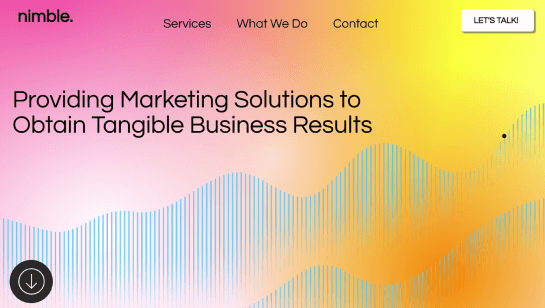

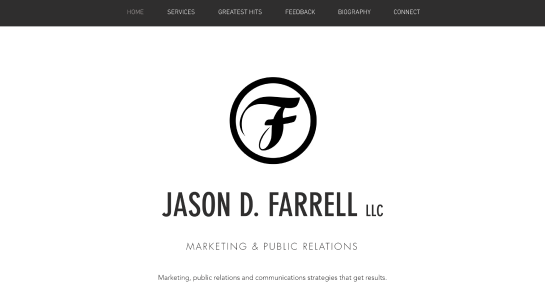

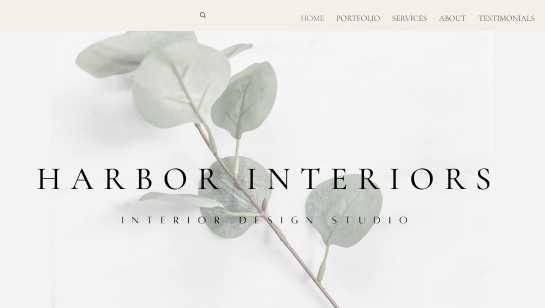
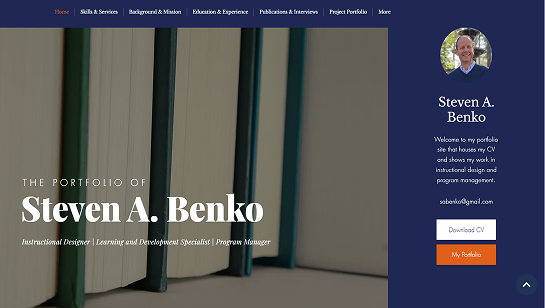
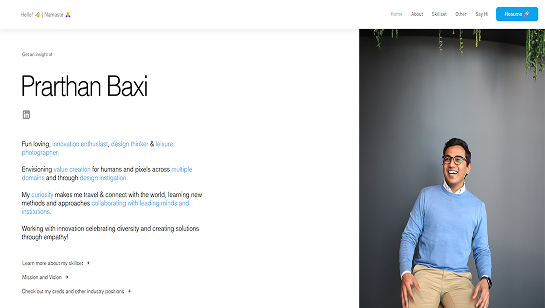
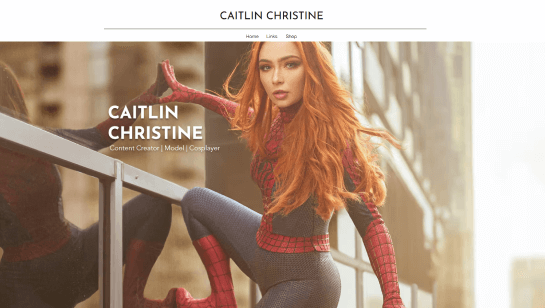
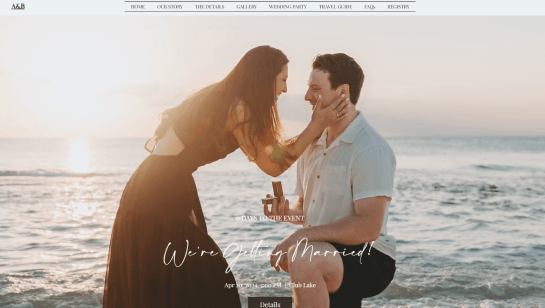


Build and design your simple website

Drag and drop editor
Create a beautiful website with the Wix editor. Keep things simple by arranging sections, customizing layouts and building a site that’s clean and organized.
Design features
Add a special touch to your site by naturally guiding visitors with visual cues like clear buttons, smooth scrolling and soft animations.
AI creation tools
AI tools make website design simple, helping you create clean layouts, minimal elements and a site that’s easy to navigate.
Practical solutions
Keep your website functional and visitor-friendly by integrating clean contact forms, online scheduling, payment options and media tools.
Trusted by over 290M users


Content ideas for your simple website

Minimalist homepage
Use clean typography, plenty of white space and a clear simple layout to guide visitors smoothly through your site.

Simple image gallery
Arrange images of your products or services in a clean, uncluttered grid to help visitors quickly scan your digital portfolio.

About us page
Introduce your business with straightforward text and simple visuals. Focus on your story, mission and what sets you apart.

Contact form
Keep it basic and user-friendly. Include only key fields, clear instructions and a minimal layout to make reaching you effortless.

Easy booking
Make online scheduling quick and intuitive with a basic, user-friendly setup. Include only essential details and keep the process straightforward.
Simple website design FAQ
What is simple website design?
Simple website design is all about clean layouts, few distractions and easy navigation. It’s built for usability, fast loading and a clear content presentation, all to help your visitors find what they need, quickly.
How do I design a website that is easy to use?
Start with a clear layout and a logical page structure. Use readable fonts, consistent colors and intuitive menus. Keep your design minimal and only include content that helps visitors complete their goals.
How much content should I include on a simple homepage?
Focus on the essentials to communicate your business or purpose clearly. Include a short intro, your main services or products and a clear call-to-action. Keep your homepage clean by avoiding too much text or too many images.
Do I need coding skills to build a simple website?
No. An AI website builder can help you create a clean functional site with drag-and-drop tools and automated design suggestions. Many platforms also offer pre-designed website templates—you just add your content and make small adjustments to match your brand.
What website builder is the best for simple website design?
Look for a website builder with clean templates, easy customization and intuitive editing tools. You’ll also want a platform that supports responsive design and basic integrations for things like contact forms, bookings and online payment processing.
What features should a simple business website include?
Your must-haves are a homepage, an "About" page, a contact form, a product or service gallery and call-to-action buttons. You can also add things like booking tools, social media links and an online blog, but keep it clean and simple.
How do I structure a simple portfolio or gallery page?
A clean grid or card layout is the way to go, just be sure to give your items a little breathing room. Add short titles or captions and let visitors click to learn more. You’ll want to avoid adding flashy effects or clutter that could distract from your amazing work.
How do I keep forms and booking features simple?
Keep it simple by only including the fields you really need and clear instructions. Group similar info together and make sure your buttons are easy to find. Stay away from long contact forms, processes with too many steps or asking for info you don’t need.
How do I maintain simplicity as my site grows?
Stick to a consistent design system with fonts, colors and spacing. Regularly review content and remove outdated or redundant elements. Add new features gradually and make sure they align with your site’s clean easy-to-use style.
How much does a simple website cost?
The cost of a simple website depends on the platform and features you choose. You can get a basic site for free with limited tools or pay around $10–$30 per month for website hosting and templates. If you want extras like a custom domain name, a professional business email or booking tools, the price might go up a bit.